

CoreClean
A phone cleaner that asks before it deletes. Scan junk, review duplicates, compress photos and videos, audit which apps ship hidden ad SDKs — all on-device.

The cleanup, screen by screen.
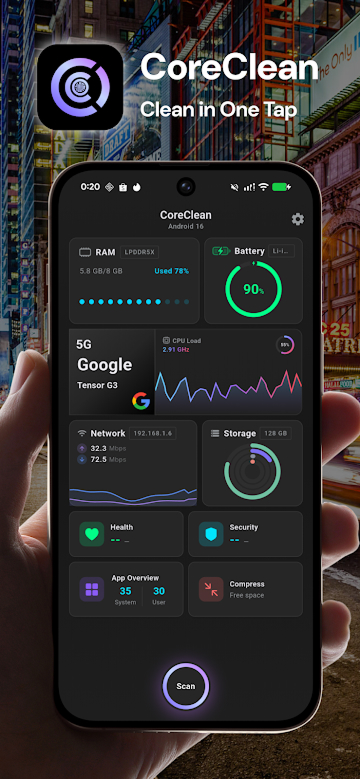
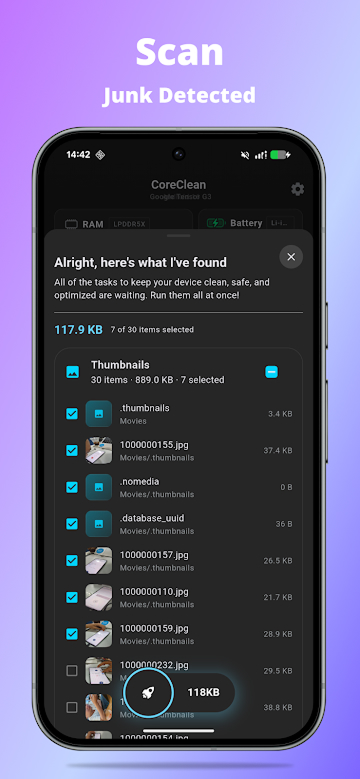
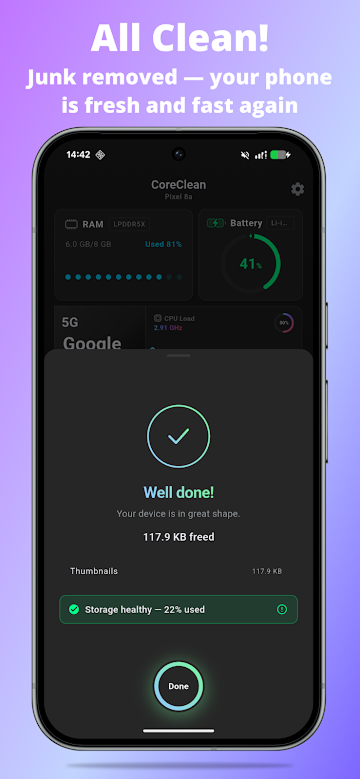
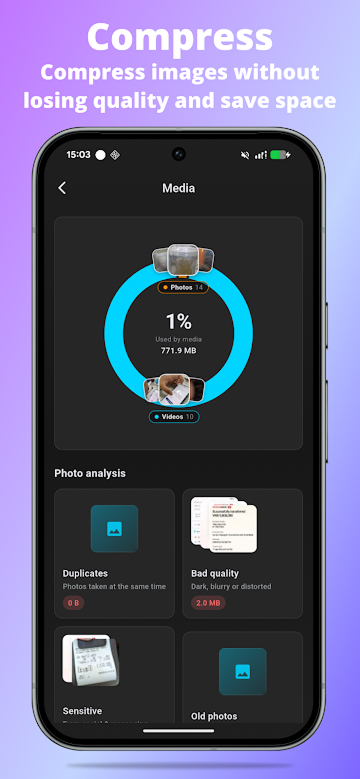
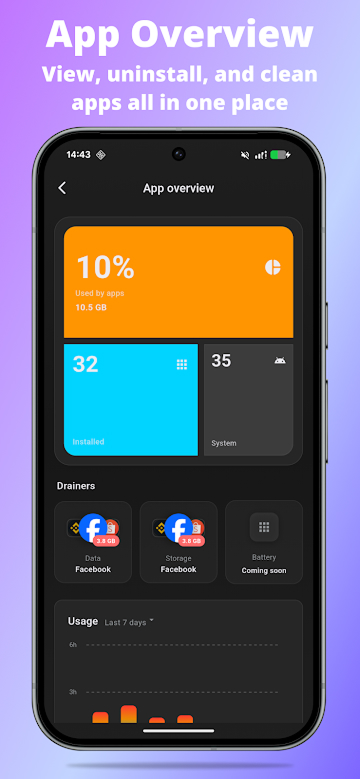
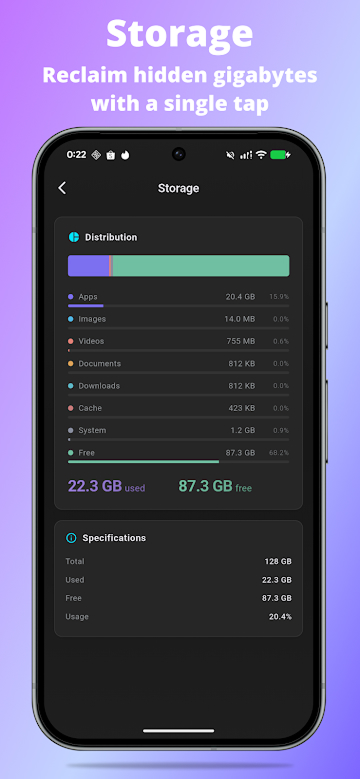
CoreClean is a free, privacy-first phone cleaner and storage analyzer for Android. It scans junk files, finds duplicates, compresses photos and videos, and audits which apps ship ad and tracker SDKs — and you approve every delete.
Cleanup with consent.
Most "phone cleaners" delete on your behalf, then ask for a five-star rating. CoreClean goes the opposite way: it gives you a clean, honest breakdown of what's eating storage, what looks like junk, and which apps are quietly running ad SDKs — and then it waits for you to choose.
What it scans.
Junk cleaner
Cache, temp files, leftover APKs, old downloads, logs, thumbnails, empty folders, residual files, duplicates and large files.
Storage analyzer
What takes up space by category — apps, photos, videos, audio, documents, downloads, APKs and system files.
Photo & video compressor
Compress large media to reclaim space while keeping the memory. Compare quality options before saving.
App ad & permission review
Spot installed apps with known ad or tracking SDKs and apps with sensitive permissions.
Large app finder
Find the apps using the most storage, memory and battery — decide what to keep.
Device monitor
RAM, CPU temperature, battery, network speed and chipset, in one dashboard.
Smart cleanup suggestions.
Practical, scan-driven suggestions: large videos, duplicate photos, old downloads, unused APKs, and other files that may be safe to review. Suggestions, not orders.
Privacy-first by design.
- CoreClean scans your files on your device.
- Photos, videos, documents and filenames are not uploaded to a cloud server.
- Permissions are requested only when needed for a specific feature.
- No account required. No tracking SDKs of our own.
Why people install it.
- Junk cleaner for cache, downloads, APKs, duplicates and large files.
- Storage cleaner and analyzer for photos, videos, apps, audio and documents.
- Photo and video compressor to reduce media size without losing memories.
- App audit for known ad SDKs, tracker SDKs and unusual permissions.
- Live monitor for RAM, CPU, battery, temperature and network.
- Clear preview before deleting selected files.
- Dark mode included. Works on phones, tablets and foldables.
CoreClean, in plain answers.
What does CoreClean do?
CoreClean is a free phone cleaner and storage analyzer for Android. It scans cache, duplicates, leftover APKs and large files, compresses photos and videos, audits installed apps for ad and tracker SDKs, and monitors RAM, CPU and battery in real time.
Is CoreClean really free?
Yes. CoreClean is free, with no account required. There are no paywalled features, no premium tier you need to unlock, and no nag screens telling you to upgrade.
Does CoreClean upload my photos or files?
No. CoreClean does its scanning entirely on your device. Photos, videos, documents and file names are never sent to a cloud server, and the app collects zero analytics data of its own.
Will CoreClean delete files automatically?
Never. CoreClean shows you a clear preview of what it found and waits for you to tick what you want removed. Nothing is deleted without your explicit confirmation.
Does CoreClean need root or special permissions?
No root needed. CoreClean uses Android's standard scoped storage permissions and only asks for the access required by the specific feature you're using.
Can CoreClean find apps that show ads or track me?
Yes. The app audit tab flags installed apps that bundle known ad or tracking SDKs and apps that hold sensitive permissions — helpful for spotting bloatware and aggressive freemium apps.
How much storage will CoreClean free up?
It depends on your device, but typical scans find several gigabytes of recoverable space in app cache, downloaded files, duplicates and old screenshots — plus several more gigabytes if you accept photo and video compression suggestions.